Q1: What is this app for?
It is an app that lets you control Apple Mac devices from your iPhone. It is designed for big-screen living room entertainment and everyday remote use. You can handle mouse, keyboard, volume, and shortcut actions right on your phone.
Q2: Is it only for Mac mini?
No. It works with Apple Mac devices that meet the system requirements, not just Mac mini (for example, Mac mini, iMac, and MacBook).
Q3: What are the system requirements?
iPhone: iOS 17.0 or later
Mac: macOS 13.0 or later
Network: iPhone and Mac must be on the same local network
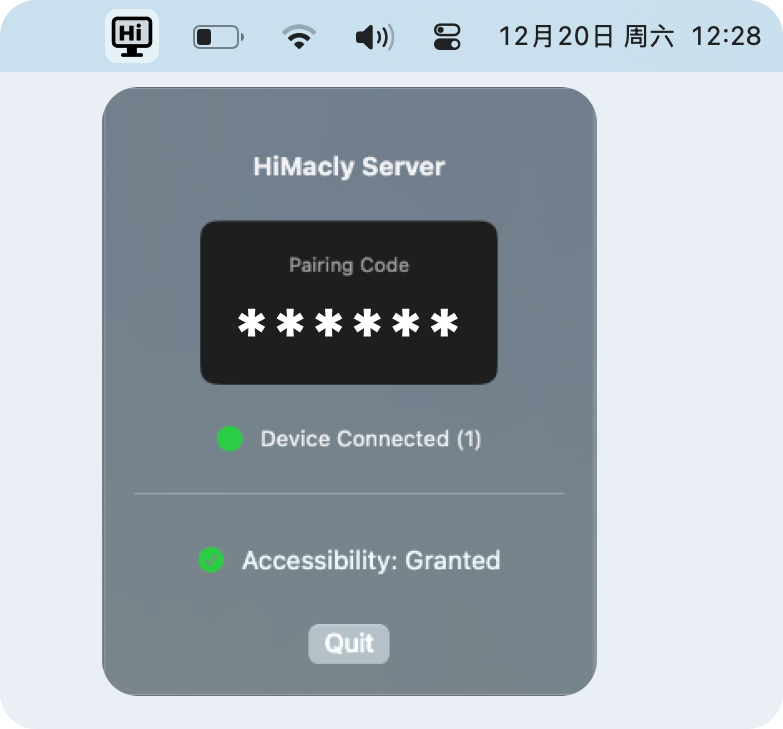
Permissions: On first use, the Mac app must be granted required system permissions (such as Accessibility).
Q4: How do I connect my iPhone and Mac?
Two methods are supported:
Automatic discovery of available devices on the local network
QR code connection (connection and pairing info is filled in automatically)
After the first successful pairing, device info is saved for quick reconnection.
Q5: What control features are currently supported?
High-frequency remote actions are supported, including mouse movement, left/right click, two-finger scrolling, text input, volume up/down and mute, opening apps, opening URLs, fullscreen toggle, page refresh, and address bar focus.
Q6: Can shortcut buttons be customized?
Yes. You can assign frequently used apps, websites, or system actions to shortcut slots. Configurations are saved per device, so different Macs can use different shortcut layouts.
Q7: Is theme customization supported?
Yes. You can switch between different remote theme styles. Themes mainly change visuals and do not affect core control features or interaction logic.
Q8: How about privacy and security?
Connection and control run over your local network. Device connection requires pairing verification, and control does not rely on cloud relay. Mac-side permissions are user-granted and can be managed or revoked anytime in System Settings.
Q9: How is pricing handled? Is there a subscription?
Without a purchase, you can move the pointer, click, and double-click, and you can discover, pair, connect, and wake your Mac. Dragging, scrolling, right-click, the keyboard, volume, shortcuts, and the other remote controls require a purchase. A monthly subscription, a yearly subscription, or a lifetime purchase unlocks the same full remote. Subscription and lifetime prices differ by country and region. The price shown in the app is the price that applies. There is no advertising. If you bought MuseTap as a paid download before it was free, that purchase remains a lifetime unlock.